Don't miss the Amazon Live Deals offer - OFFER!

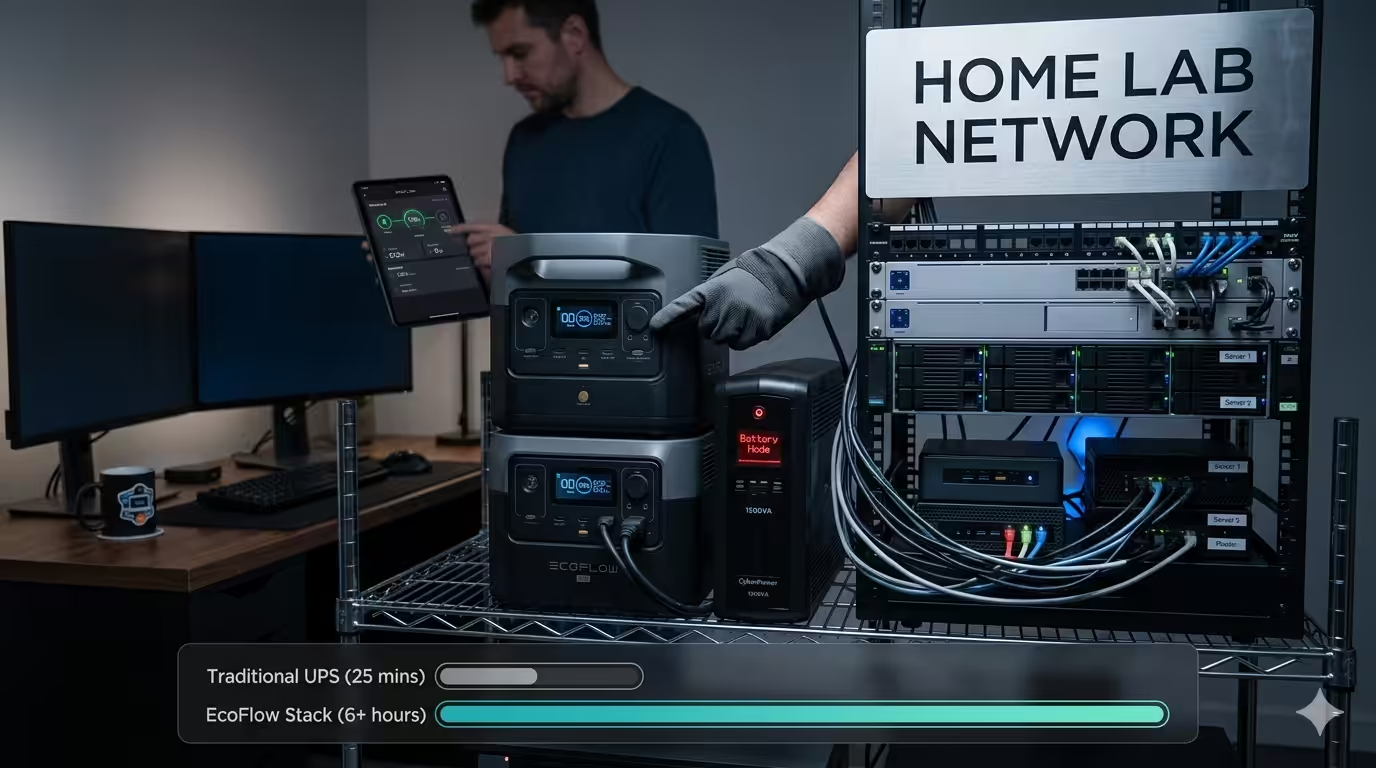
EcoFlow Delta 3 UPS Saved My 15 Computer Home Lab Network

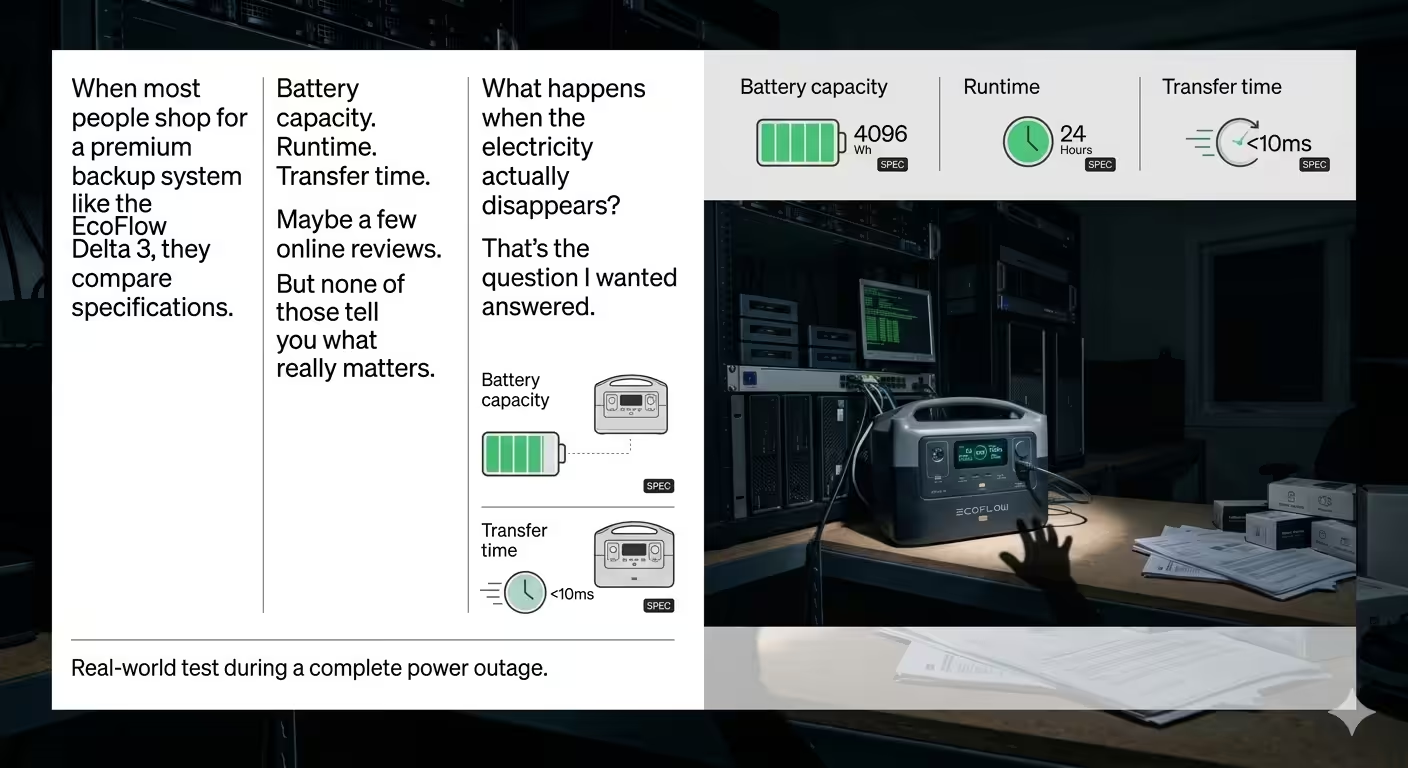
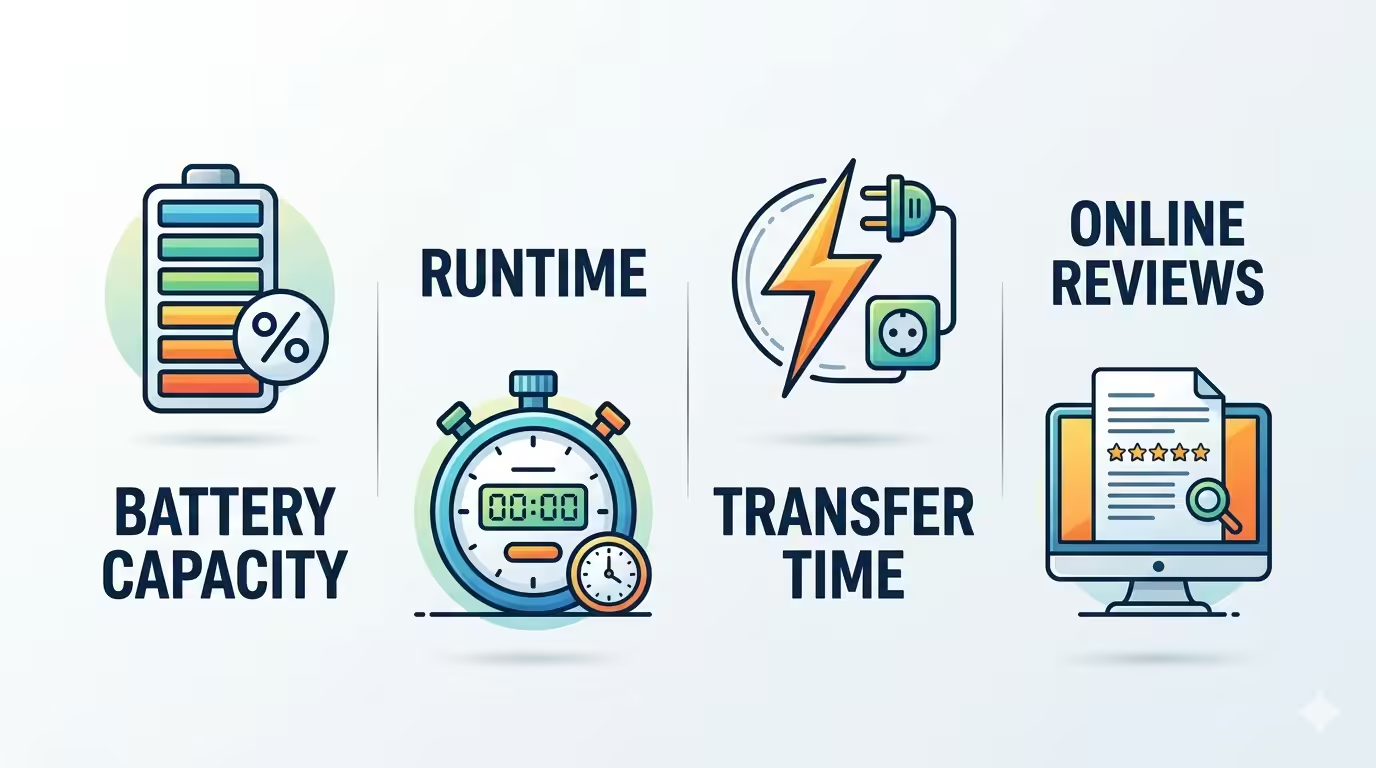
When most people shop for a premium backup system like the EcoFlow Delta 3, they compare specifications.
– Battery capacity
– Runtime
– Transfer time
– Maybe a few online reviews
But none of those tell you what really matters. What happens when the electricity actually disappears? That’s the question I wanted answered. Instead of relying on marketing brochures, I decided to test the backup power system protecting my own home internet platform. My platform isn’t a typical desktop setup. It includes fifteen mini computers, enterprise networking equipment, routers, a KVM switch, storage devices, and two CyberPower UPS units working alongside an EcoFlow backup power station. Everything supports the work I do online, so reliable power isn’t a luxury—it’s a necessity.
To simulate a real outage, I disconnected the incoming power while watching the UPS display. The input immediately dropped to zero, but the output continued supplying power to the equipment. None of the computers rebooted. The monitor stayed on. Networking equipment continued operating normally. The UPS transitioned exactly as it was designed to.
That experience reinforced something important: specifications tell you what a product promises, but real-world testing shows what it actually delivers.
I also explored how Jackery compares to a traditional UPS. Jackery’s portable power stations have become increasingly popular because they combine emergency backup power with portability. They’re excellent for camping, travel, and keeping household appliances running during outages. Traditional UPS systems like CyberPower, on the other hand, remain purpose-built for protecting computers, servers, and networking hardware with extremely fast transfer times.
Enter the Heavy Artillery: The EcoFlow Delta 3
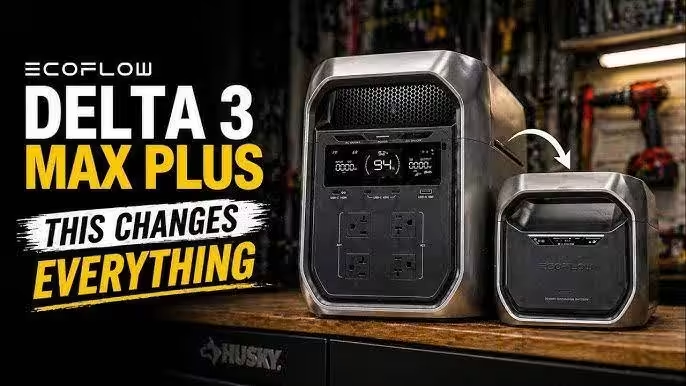
But what happens when the brief interruption of an outage turns into a multi-day ordeal? That is where a traditional desktop UPS reaches its limits, and where deploying an EcoFlow Delta 3 changes the entire conversation.
A standard UPS is built like a sprinter. It gives you ten, maybe twenty minutes to save your files and gracefully shut down your machines. It protects your data, but it kills your productivity. When you are running a fifteen-computer home lab, you don’t just want a safe shutdown—you want to keep working. You want endurance.
The ecoflow delta 3 bridges that massive gap. It doesn’t just sit on your floor like a dumb block of lead-acid batteries. It acts as a sophisticated, enterprise-grade sentinel. With its ultra-fast switching speed, it serves as a robust uninterruptible power supply that absorbs the shock of a sudden blackout before your sensitive home lab equipment can even blink.
Pure, Uncompromised Endurance
When the grid goes dark, this unit becomes the beating heart of your command center. It offers the kind of clean, pure sine wave power that keeps high-end servers, delicate networking routers, and complex KVM switches perfectly stable. There are no sudden voltage drops, no screen flickers, and absolutely no terrifying reboots midway through a critical deployment.
But the real magic of this system lies in its ability to adapt to your growing needs. If a massive storm knocks out power for the weekend, you can plug in an ecoflow delta 3 series smart extra battery to instantly scale your capacity.
It is a modular approach to survival. This stackable expansion system communicates perfectly with the main unit, balancing the load and extending your home lab’s runtime from a few hours to days of uninterrupted uptime. If your equipment needs to scale even further past its base capacity, adding a secondary ecoflow delta 3 series smart extra battery creates an expandable safety net that keeps your network alive through prolonged blackouts.
The Verdict: Two Different Philosophies
Neither approach is universally better. The right choice depends on what you’re trying to protect.
If your priority is keeping a home office, NAS, or networking equipment online, a dedicated UPS is still an excellent investment. If you want one device that can power your laptop today and your refrigerator tomorrow, a portable power station may be the better solution.
The most important lesson from this test wasn’t about brands.
It was about preparation.
Power failures never arrive with a warning. By the time the lights go out, it’s too late to think about backup power. Whether you choose CyberPower, Jackery, or an expandable EcoFlow Delta 3 ecosystem, the best time to prepare is before you need it.
FAQs
The Price of Absolute Certainty
In the tech world, we often trick ourselves into believing that specifications on a box guarantee safety. We buy gear based on paper promises. But as my home lab test proved, true backup reliability isn’t found in a marketing brochure—it is forged when the lights go out and your screens stay bright.
If your priority is keeping a standard desktop setup or a simple network switch alive through a brief grid flicker, a traditional desktop UPS remains a great, cost-effective choice. But if you are building an ambitious, data-critical infrastructure that demands continuous, uncompromised endurance through prolonged blackouts, stacking the ecoflow delta 3 with an ecoflow delta 3 series smart extra battery changes the entire equation. It transitions your setup from a race against time into a fully self-sustained off-grid power house.
Power failures never give you a warning. By the time your room goes dark, the window to prepare has already slammed shut. The best time to build your defense is right now, while your grid is stable and your screens are on.
🔌 What is Guarding Your Network?
Building a resilient workspace requires the right foundation. How are you currently protecting your home lab hardware from unexpected power surges and rolling blackouts?
Found this guide helpful? Share it with your fellow homelabbers on Reddit, Discord, or X to help them secure their infrastructure before the next big storm hits!
Drop a comment below sharing your current battery backup setup. What gear are you running?
Have questions about this setup? Ask me down below about my transition times, load balance, or app configurations.
Buy on Ebay